 Adsun
Adsun Advertisers · Getting started
Quick start
Register, top up your balance and launch your first Telegram campaign.
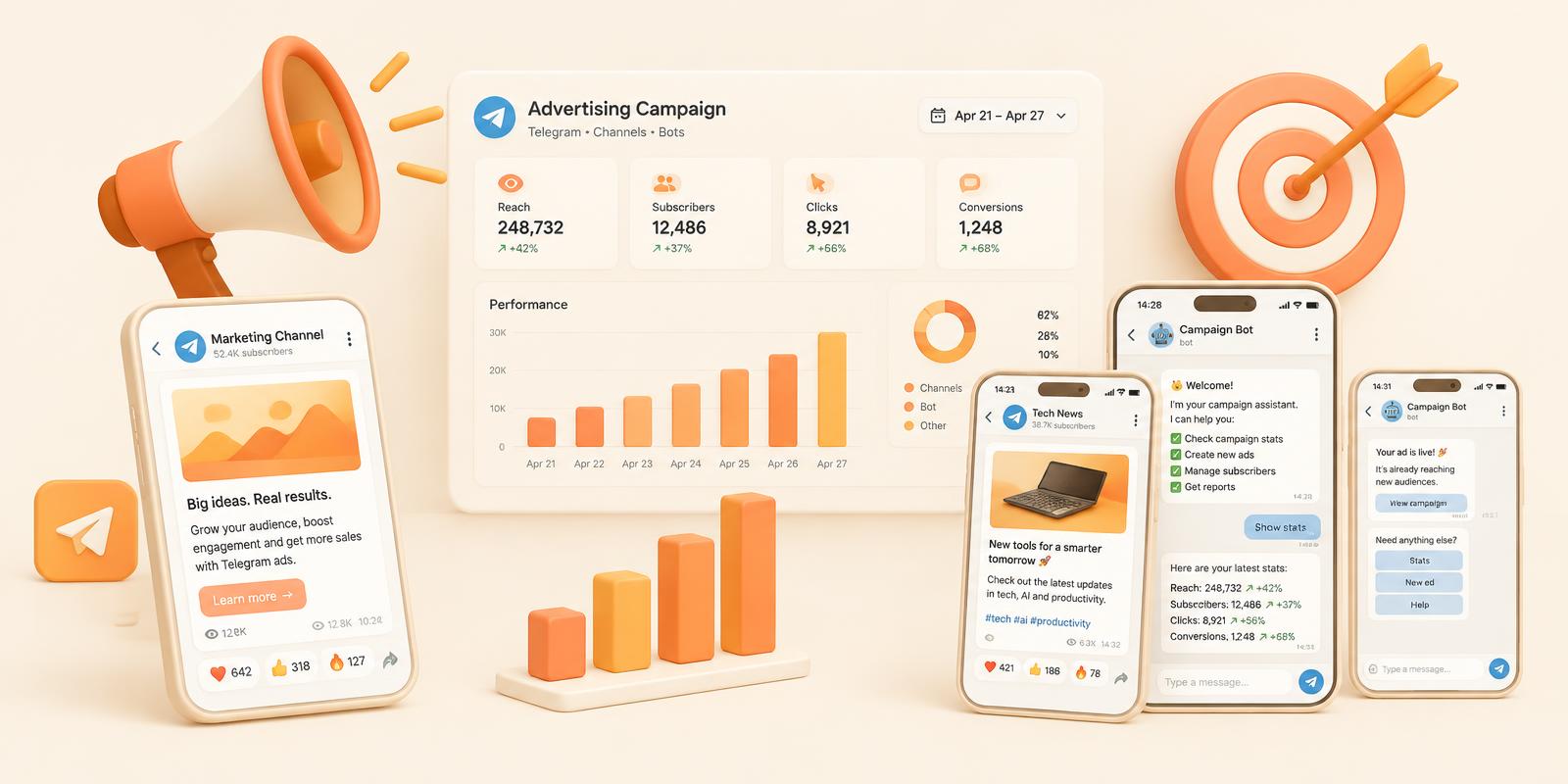
Launch an ad that reaches Telegram users inside Mini Apps, channels and bots. Follow these steps — no marketing experience needed.
- 1
Create an advertiser account
Go to adsun.io/register, pick Advertiser and confirm your email.
- 2
Top up your balance
Open Balance → Deposit and pay with crypto (USDT and others). Money appears after the network confirms. Details →
- 3
Create a campaign
Press Create and choose the type: Adsun Network (Media or Inline ads in Mini Apps) or Native Ads (channel posts, bot messages). Which one? →
- 4
Upload your creative
Add your image/video, title, text and button. You see a live preview exactly as users will see it. Requirements →
- 5
Choose who sees it
Pick countries, languages and devices. Targeting →
- 6
Set budget and price
Choose CPM or CPC, a daily budget (min $15) and your bid. Pricing →
- 7
Send for review
We check every ad quickly. After approval it starts showing and you watch results in Statistics.
TIP
Still stuck? Write to support@adsun.io or our Telegram support — we answer fast.