 Adsun
AdsunTelegram bot monetization with Adsun
Adsun bot placements return sponsored message content to your bot server. Your bot sends that content to the user through Telegram; this is a different integration from loading the JavaScript SDK inside a Mini App.
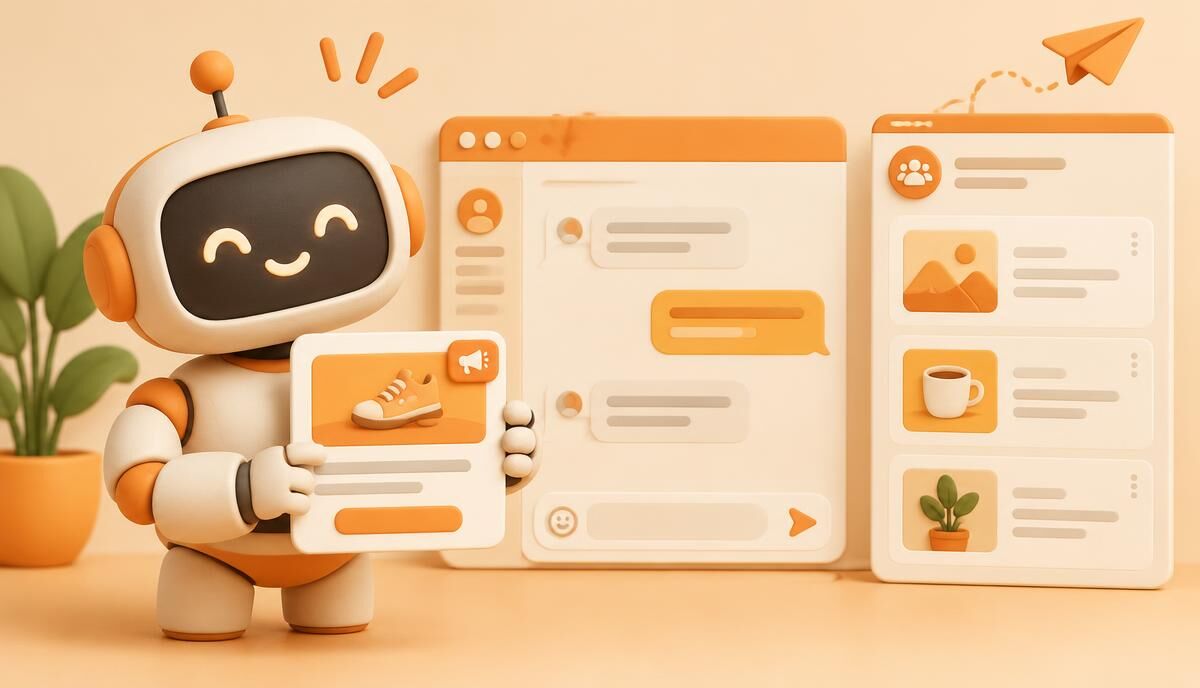
Bot messages and Mini App ads are different placements
A Telegram bot conversation can deliver a sponsored message. A Mini App runs a web interface where Reward, Interstitial or Task blocks can be integrated. A project may contain both experiences, but the integrations are not interchangeable. Use a bot block for sponsored chat messages and a Mini App block for web placements.
Adsun is an independent advertising network, not Telegram's official ad platform. Native campaigns include channel posts and bot messages; this guide describes the publisher bot-message integration rather than promising channel subscribers or a fixed reach.
How the bot integration works
- Create the bot platform and its block in the publisher workspace.
- Copy the bot integration example and your publisher account API token.
- From your bot server, request an ad from the configured API's /advbot endpoint with the Telegram user ID, numeric block ID, token and optional language.
- When an ad is returned, send its text or image with its supplied buttons through Telegram.
- Handle a no-ad response without interrupting the bot's normal conversation.
The response can include text_html, image_url, click_url, button_name, reward_url and button_reward_name. The provided example uses HTML parse mode and protected content. Preserve the returned tracking links rather than replacing them with untracked destination links.
Keep publisher tokens on your server
The account token is a private credential. Do not put it in a public Mini App, client-side source, a screenshot, or a copied public example. Store it in your server's secret configuration and avoid logging request URLs containing it. Regenerating the token invalidates the previous token: update every bot deployment that depends on it.
The SDK and bot integration documentation explains where to copy the correct account-specific example. This public guide intentionally does not expose an account token.
Understand delivery and measurement
The bot endpoint can return HTTP 204 when there is no eligible ad. Campaign eligibility, language and block daily limits affect availability. A returned ad is recorded as an impression on the assumption that the bot immediately sends it; it is not proof that a person read the message. If Telegram rejects the send request, diagnose that failure separately from ad selection.
Signed click and reward links provide the event path. Reward claims are redeemable once per ad and may call the configured Reward URL. Your own reward endpoint remains responsible for validation and duplicate-safe grants.
Prepare for production
- Test both text and image messages with the supplied button links.
- Handle no-ad, API failure and Telegram delivery failure independently.
- Review block limits and the configured return-to-bot destination.
- Check reporting metrics over consistent date ranges; an impression is not a subscriber or purchase.
Revenue depends on actual eligible inventory and demand. For other publisher formats, see Telegram publisher monetization and Mini App rewarded ads.